Scripts
Scripts
Updated March 13, 2026
Overview
Scripts enables sysadmins to create a repository of saved scripts that can be run on computers in real-time or used in triggers. With scripts, users can create scripts that apply to both Windows and macOS computers. Scripts can be used to run arbitrary code, or return and save values to custom fields on computers.
Creating scripts
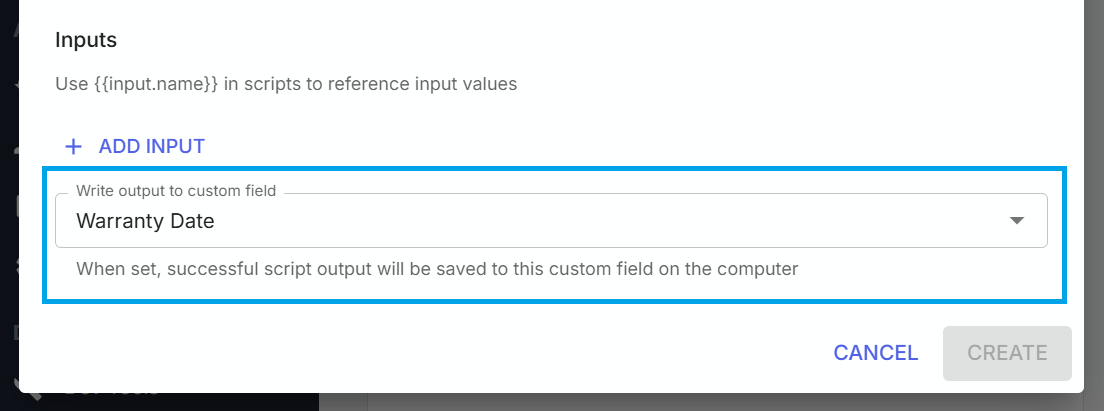
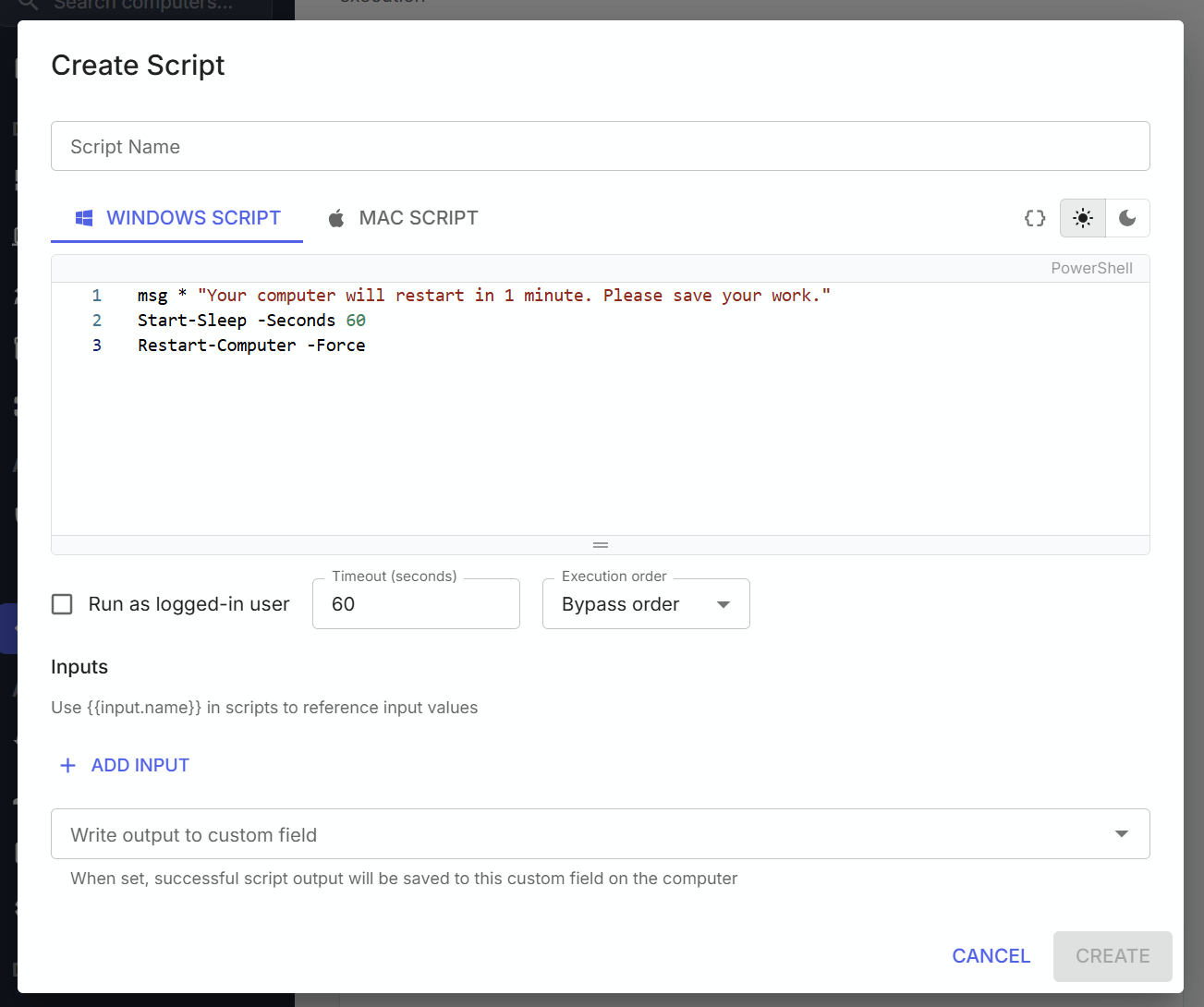
Scripts are created from the Scripts page. To create a script, navigate to the Scripts page and click Create Script. On the create script window, users can enter the desired script through the text editor. At the top of the editor, users can switch between scripts targeting Windows computers, macOS computers, or both. On Windows computers, the supported script type is PowerShell. On macOS computers, bash scripts are the supported script type.
Merge fields
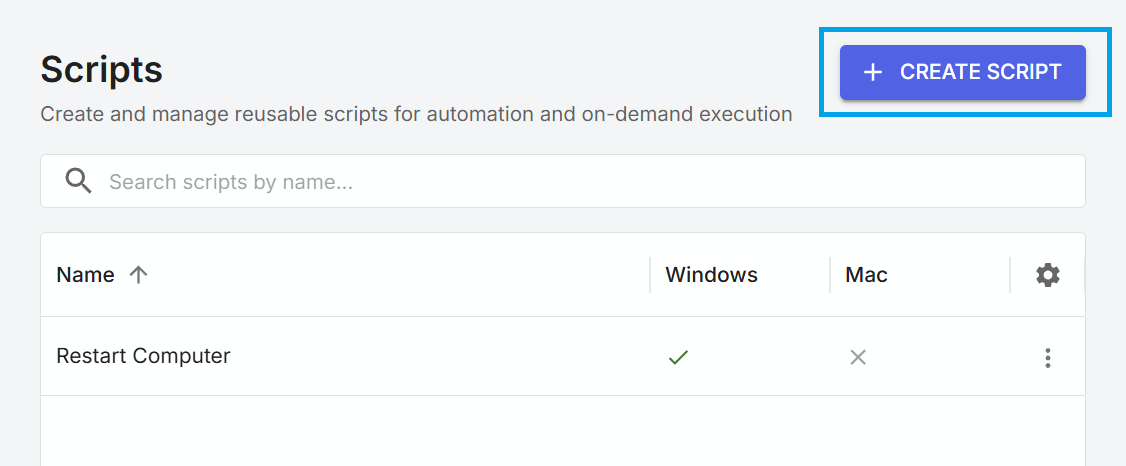
Scripts can be created using merge fields containing information from the target computer. This may be useful when needing to include computer information as part of the script.
Custom field output
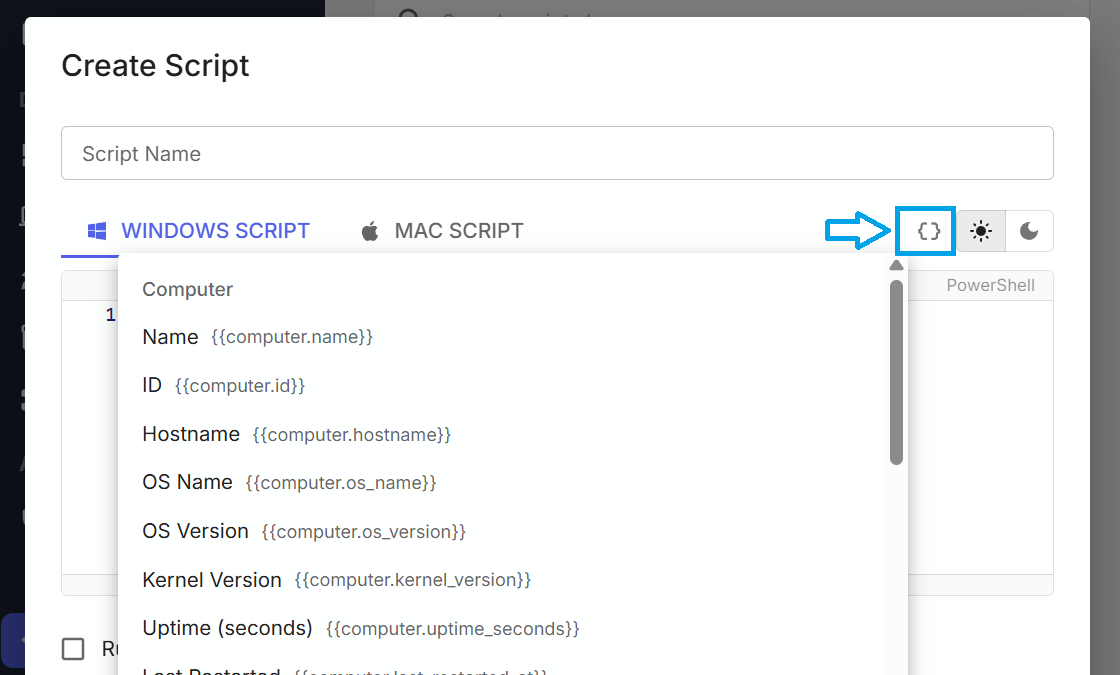
The output of a script can optionally be captured and saved in a custom field on the target computer. To configure this, ensure that the script is configured to produce an output, and assign it to a custom field on the target computer.