
File transfer
File transfer
Updated March 12, 2026
Overview
Remote file transfer makes it easy to remotely transfer files to target computers, without the need to remote into and disrupt the user, or manually transferring files through thumb-drives or through email.
Transfer options
Files can be transferred to a single computer at a time, or to multiple computers at the same time.
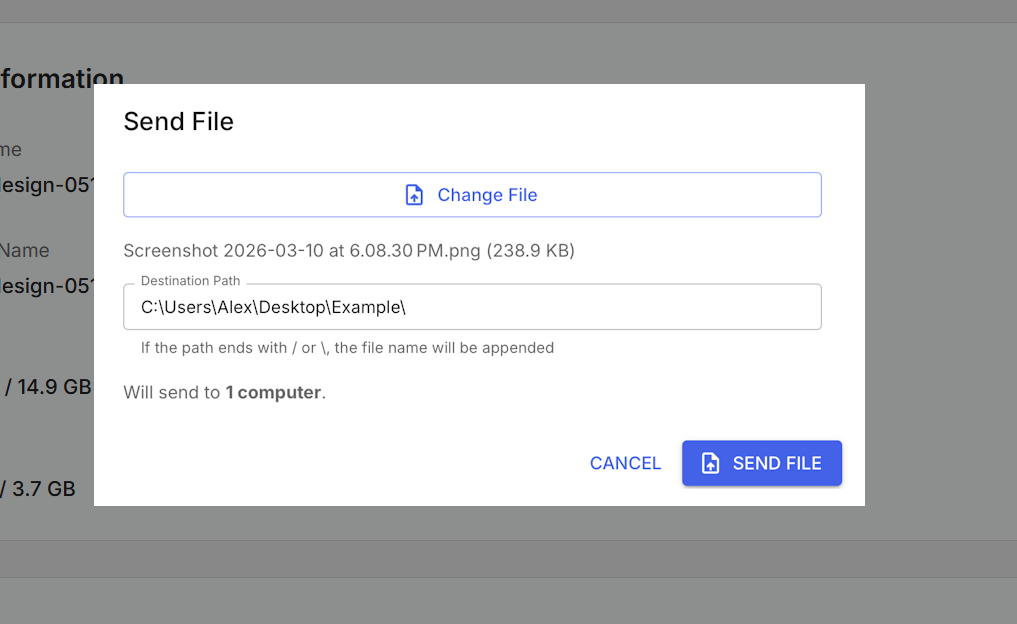
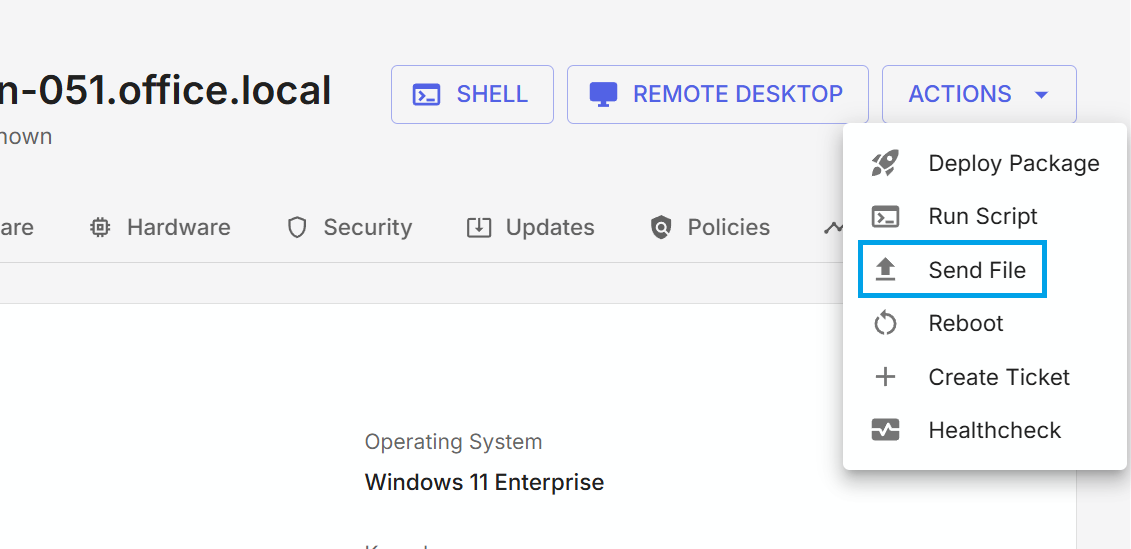
Individual Computers: To transfer a file to an individual computer, open the computer, go to the actions drop-down and select "Send File", then choose the desired file and enter a file path.
Multiple Computers: To transfer a file to multiple computers, navigate to the Computers list view, select the desired computers, and then use the "Send File" mass action from the actions drop-down.
Transfer windows
Files are immediately transferred when the user initiates the send. For computers that are not online at the time a file transfer is initiated, the transfer will be queued and will be performed the next time the computer comes online.
Permissions
Only users who have the permission to transfer files enabled for them can see the file transfer actions and use the feature.