
Remote shell
Remote shell (Terminal Sessions)
Updated March 12, 2026
Overview
Remote Shell lets you open a live terminal session on any managed computer directly from your browser. This allows you to run commands and troubleshoot devices without starting a full remote desktop session or interrupting the user.
It works similarly to SSH, but requires no port forwarding, firewall changes, or VPN access. The connection is established securely through the agent's existing communication channel. This makes it easy to quickly diagnose issues, run scripts, or perform maintenance from anywhere.
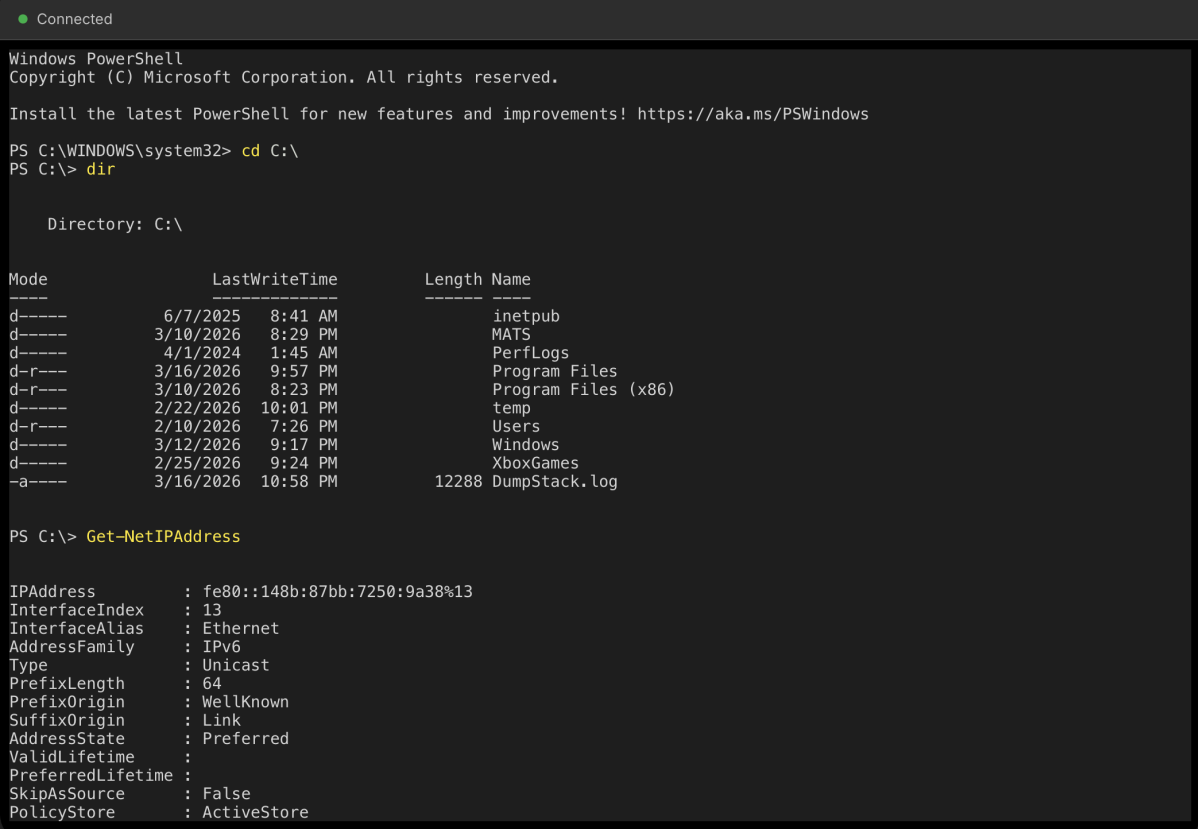
Accessing the Shell Console
Users can launch the Shell console in two ways:
- From the computer list: Select a computer and choose Remote Shell.
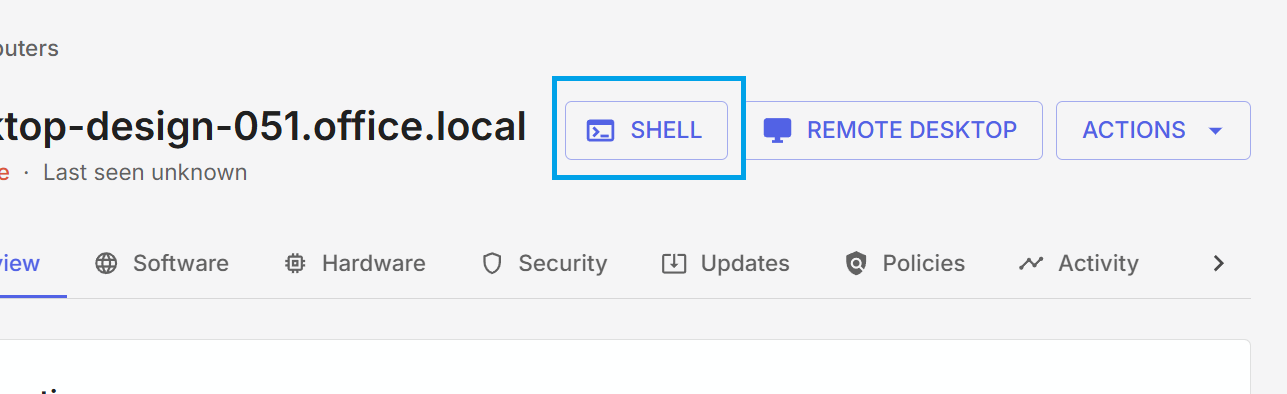
- From a device page: Open the computer's details and click the Shell button in the top-right corner.
A new browser window will open with the shell console. Once connected, users have a fully interactive terminal session.
Ending a Session
Users can end a shell session at any time by closing the browser tab. There is no idle timeout. The session will remain active until it is closed or the connection to the device is lost.
Requirements
- The target computer must be online
- A user needs the Initiate Shell Sessions permission