
Computer Inventory
Know every asset inside and out
Real-time computer inventory with hardware, software, and OS details - plus built-in asset tracking for every device in your organization. Filter, search, and report on everything you manage.
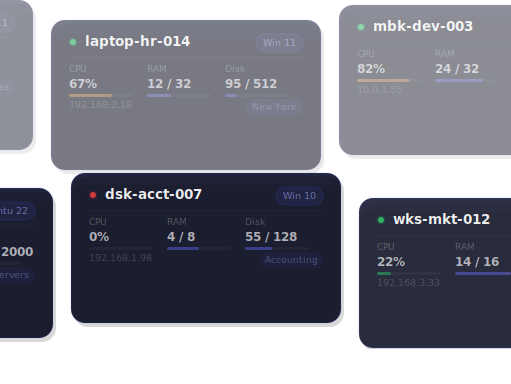
Real-time
scanning
LIVE DATA
Saved
views
CUSTOM FILTERS
Custom
fields
YOUR DATA
Software
inventory
APPLICATIONS
Hardware
details
SPECS
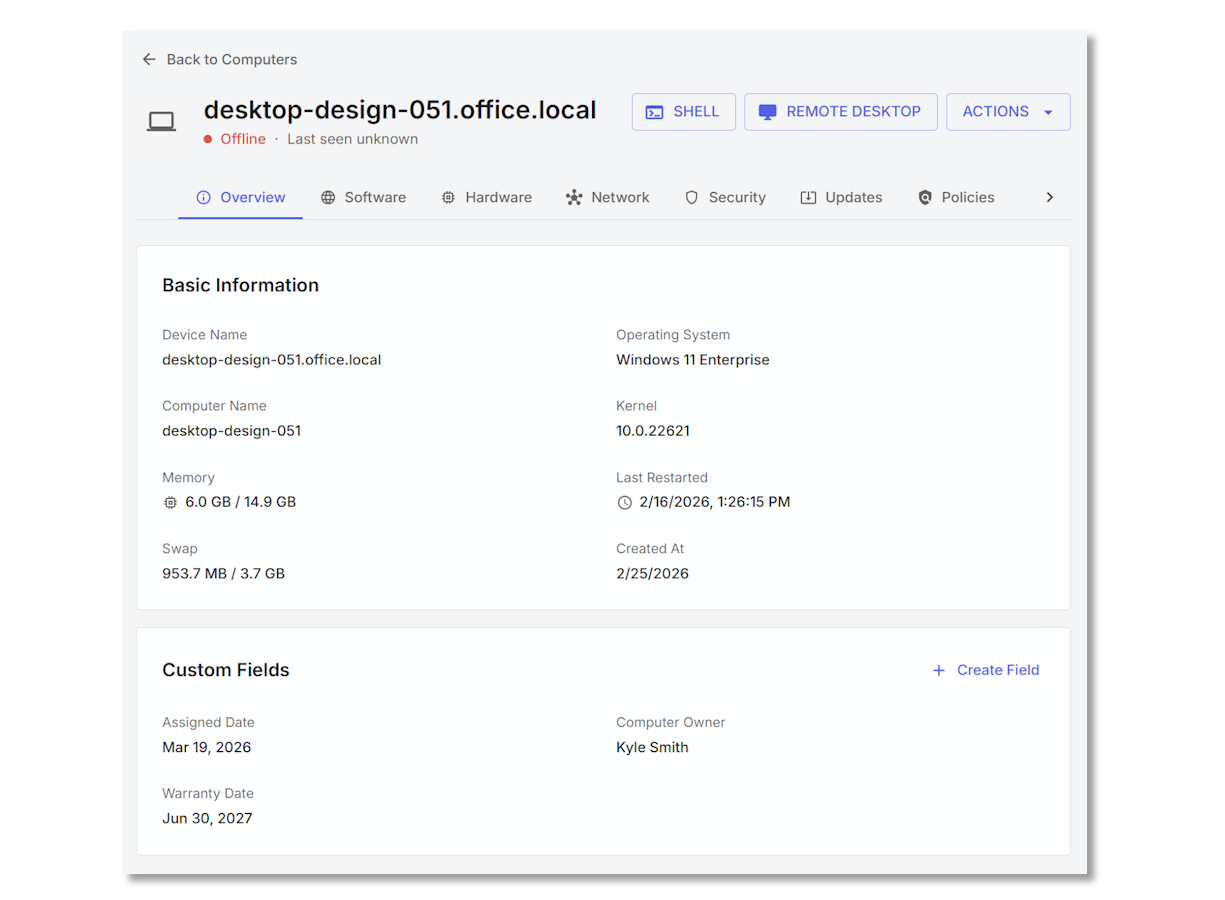
Every computer, every detail, in real time
Remmy's agent continuously scans each managed computer and reports back what it finds - installed applications, running services, hardware specs, OS version, network configuration, and more. Information is always up to date, so you never have to wonder what's actually running on a machine.
- Installed applications with version numbers and install dates
- Running services and their current status
- Hardware details - CPU, RAM, disk, network adapters, and more
- OS version, last boot time, and system uptime

Asset tracking for every object
With hundreds or thousands of computers and other devices, you need more than a static list. Remmy comes with built in support for complex asset tracking. Track monitors, TVs, tablets - and more. Keep your asset tracking where your computers live.
- Track any object - not just computers
- Track warranty information, assignment details, and device history
- Print asset barcodes, and scan devices for more information
- Gain insight into available assets, warranty expiration, and more
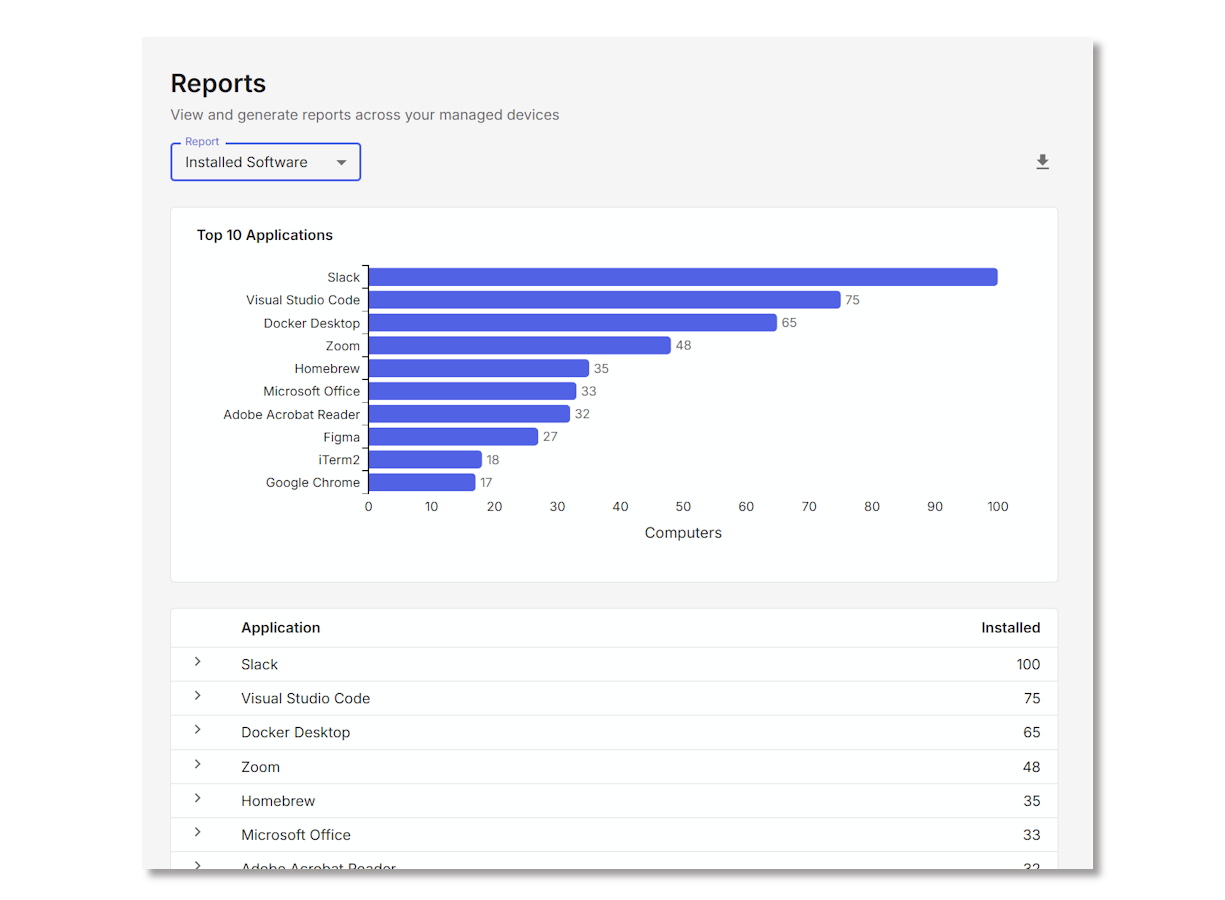
Track what matters to you
Every organization has information that doesn't come from a scan - asset tags, department assignments, purchase dates, warranty expiration, location codes. Custom fields let you store this information directly on each computer record, and filter or report on it just like any other field.
- Create custom fields with text, number, date, or dropdown types
- Attach custom data to any computer in your inventory
- Filter and build saved views using custom fields
- Use custom fields in reports and exports